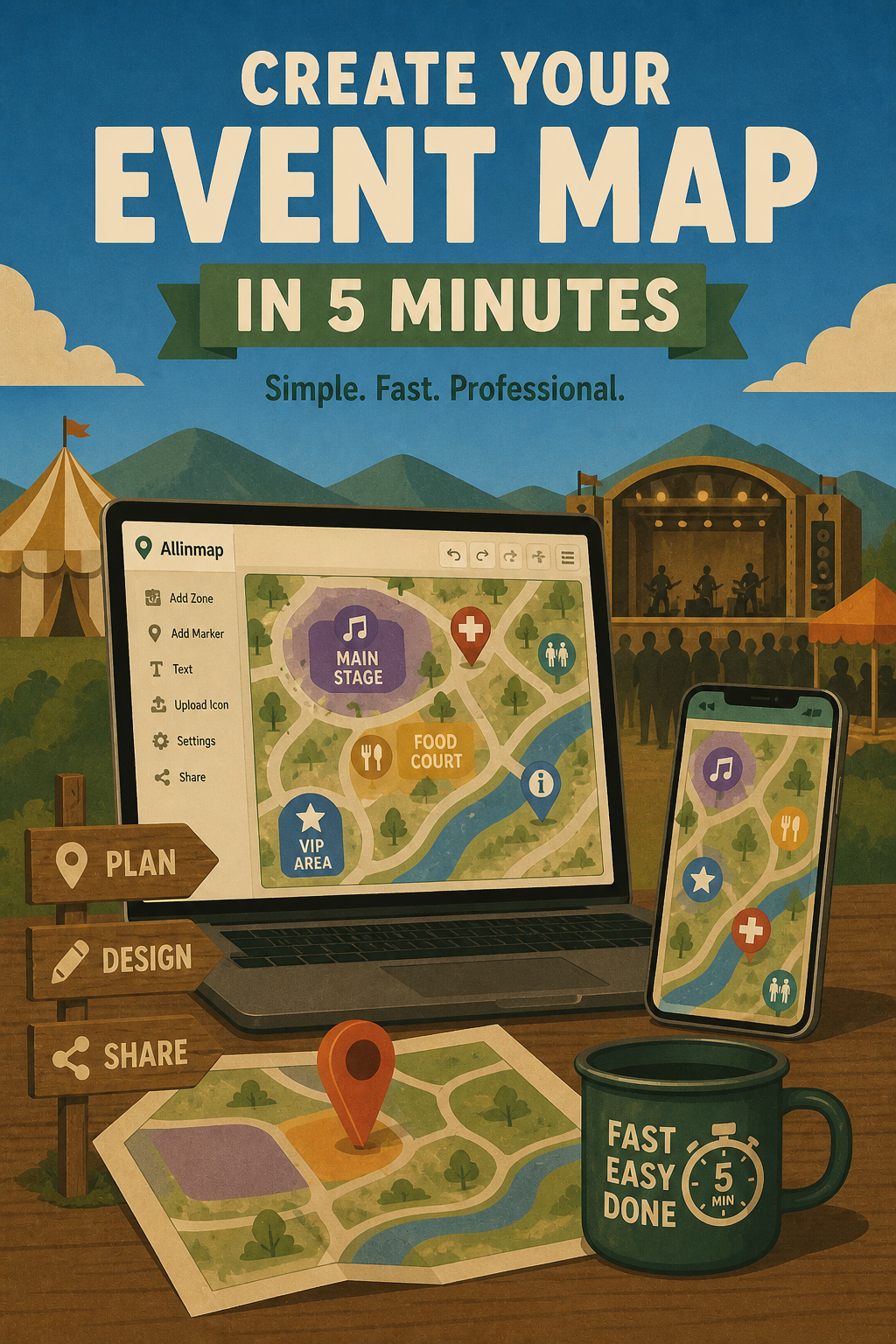
How to Create an Event Map in 5 Minutes
Creating a professional event map doesn’t have to take hours. With Allinmap, you can design an interactive event map in just 5 minutes - whether you’re organizing a music festival, conference, expo, or corporate event.
Here’s how to do it.
Step 1: Sign In and Create a New Map (1 minute)
- Open Allinmap and sign into your account
- Navigate to My Maps or Public Maps
- Tap the + button to start a new map
- Select Event Map as your map type (or choose any map as the base)
That’s it - you’re ready to add content.
Step 2: Name Your Event and Set the Location (1 minute)
- Enter your event name in the Map Name field
- Example: “Music Festival 2026 - Main Venue Map”
- Search for your venue’s location or tap the map to center it
- Zoom to the appropriate level (typically showing the venue + surrounding area)
Pro tip: Start zoomed in enough to see details, but zoomed out enough to show the full venue layout.
Step 3: Add Event Zones or Markers (2 minutes)
Now comes the powerful part - marking key areas:
For zone-based events (festivals, conferences):
- Draw polygons to outline stages, food courts, vendor areas, entrances, parking
- Label each zone clearly: “Main Stage”, “VIP Area”, “First Aid”, etc.
For point-based events (tours, smaller gatherings):
- Place markers at key locations: entrances, info points, parking, restrooms
- Use distinct colors and icons to differentiate marker types
Step 4: Add Event Details to Each Marker (30 seconds)
Select each marker and add:
- Name: “North Entrance” or “Merch Booth”
- Description: Opening times, capacity, tips
- Optional: Link to more info or external website
The description field is perfect for operational details:
- “Open 10am - 6pm”
- “Capacity: 500 people”
- “Wheelchair accessible”
Step 5: Make It Shareable (30 seconds)
- Toggle Share to make your event map public
- Copy the shareable link
- Send it to attendees via email, SMS, or social media
- (Optional) Print the map for physical signage at the event
Why Speed Matters for Event Planning
Event organizers often create maps weeks or days before an event. Here’s how Allinmap compares with traditional approaches:
| Capability | Traditional Tools | Allinmap |
|---|---|---|
| Time to first map | Hours to days | About 5 minutes |
| Software cost | Adobe, Canva or designer fees | Starts free |
| Updating after publishing | Slow, requires re-export | Instant, real-time for all viewers |
| Sharing with attendees | Static PDF or image | Interactive link, QR code, or embed |
| Offline access at the venue | Print only | Works offline on any phone |
| Print-ready output | Requires manual layout | Built-in export for signage |
Real Event Map Examples
Festival Map: Main Stage, Food Court, VIP Area, Bathrooms, Parking, First Aid
- Attendees can download and explore before arriving
Conference: Registration, Main Hall, Breakout Rooms, Lunch Area, Sponsor Booths
- Post on conference website and send to attendees
Tour Map: Checkpoint 1, Checkpoint 2, Meeting Point, Emergency Shelter, Photo Spot
- Tour guides can mark exact locations and directions
Common Event Map Use Cases
| Event Type | Typical Zones/Markers | Attendees |
|---|---|---|
| Music Festival | Stages, Food, VIP, Parking, Bathrooms | 100 - 100,000+ |
| Conference | Registration, Halls, Breakouts, Sponsor Area | 100 - 5,000 |
| Trade Show / Expo | Booths, Aisles, Demo Zones, Lounges | 500 - 50,000 |
| Sports Event | Entrances, Seating, Concessions, First Aid | 500 - 50,000 |
| Outdoor Tour | Checkpoints, Views, Meeting Points, Safety Zones | 10 - 200 |
Pro Tips for Event Maps
- Update in Real-Time: Need to move a stage last minute? Update the map instantly — everyone sees the change
- Use Descriptions: Add opening times, capacity, accessibility info to each location
- Color Code Everything: Use consistent colors so attendees instantly understand the map
- Test on Mobile: Most attendees will view on their phone — test how it looks
- Backup Printing: Always have printed copies at the venue in case of WiFi issues
- Share Early: Post the map 1-2 weeks before the event so attendees can plan
Next Steps
Ready to create your event map? Here are your options:
- Browse Festival Map Examples — See how music festivals use interactive maps
- Explore Conference Floor Maps — Perfect for large events
- Create Your First Event Map → — Start now (takes 5 minutes!)
Frequently Asked Questions
Q: Can I update my event map after sharing it? Yes! Any changes you make immediately show for everyone with the link.
Q: Can attendees download the map offline? Yes, Allinmap works offline. Attendees can download and explore the map without internet.
Q: Is there a limit to how many zones or markers I can add? No — add as many as you need for your event.
Q: Can I print the event map? Yes, use the print function to create high-quality printed maps for signage or programs.
Q: What if I need to collaborate with my event team? Allinmap supports real-time collaboration — invite team members to edit the map together.
Don’t let event planning complexity slow you down. Create your professional event map today and give your attendees the tools they need to navigate your event successfully.